

Quick Answer
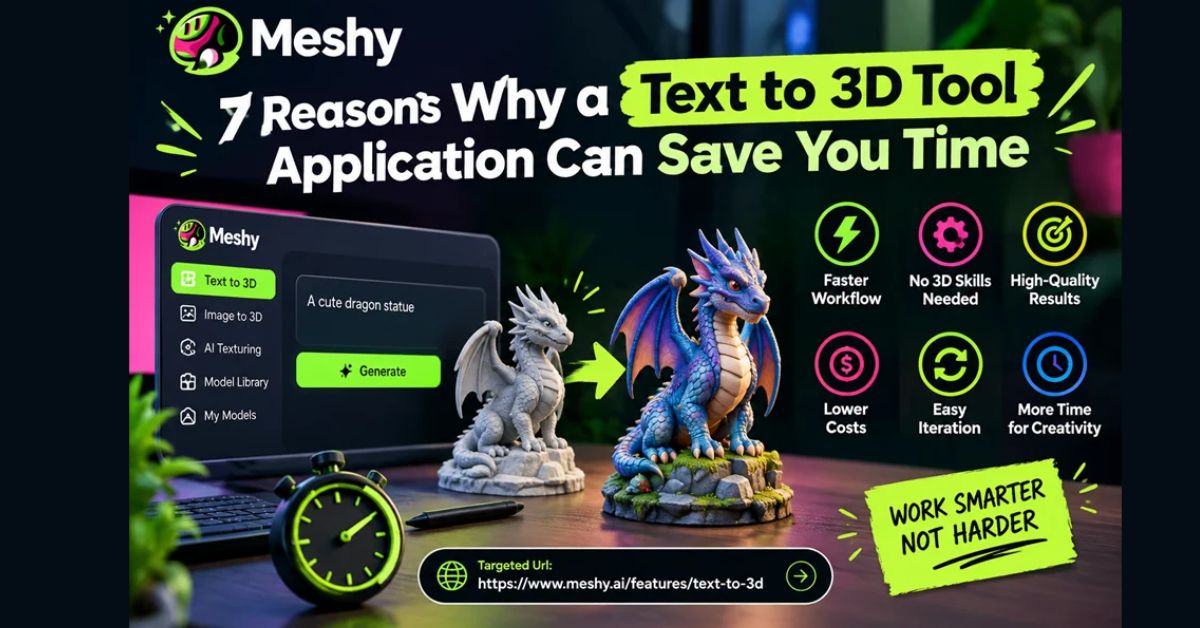
A text-to-3D tool can save time by turning written descriptions into initial 3D models that creators can review and refine. It helps with concept testing, background assets, visual experimentation, and team collaboration. Although AI-generated models may still need editing, these tools can reduce repetitive modeling work and give artists more time for creative decisions.
Key Takeaways
- Text-to-3D tools help creators avoid starting every model from scratch.
- AI-generated models make it easier to test different concepts and visual styles.
- Background props and secondary assets can be created more quickly.
- Text prompts help designers, artists, and other team members communicate ideas.
- Small teams can reduce the time and cost of early asset production.
- Generated models still need checks for geometry, textures, and compatibility.
If you have created a 3D asset from scratch, you know how quickly the work adds up. You begin with an idea, then spend hours building topology, UVs, textures, and details before the model resembles the image in your head.
AI-assisted modeling can shorten that early stage. Give a text to 3d tool a concise description of the object you want, then review and refine the generated model. Here are seven ways this can save time.
1. How Does a Text-to-3D Tool Help You Avoid the Blank Canvas?
Starting a new asset is often difficult because every decision—proportions, shape, and style—must be made before the model begins to take form.
With text-to-3D generation, you can enter “weathered wooden treasure chest with iron bands” and receive an initial model to evaluate. Even if the first result is not final, reacting to a draft is often faster than starting from nothing.
This approach gives creators something tangible to work with immediately, reducing the time spent on early modeling decisions.
2. Can Text-to-3D Tools Help You Test Concepts Faster?
Concept validation once required building a model that might later be rejected. Now you can compare several rough variations before committing to a direction.
That changes the discussion. Instead of debating an abstract idea, a team can point to a specific model and ask for a narrower shape, different material, or more stylized proportions.
Faster concept testing also makes it easier to discard ideas that do not fit the project before investing significant time in detailed modeling.
3. How Can Text-to-3D Tools Create Background Assets Faster?
Environmental art eats time. One street view can require many props: boxes, lamps, bins, bottles, and signs. None of them are the star, but all of them have to exist.
Generating secondary assets with a text-to-3D tool can reserve manual modeling time for hero assets while the supporting objects are created more quickly.
This can be particularly useful in game development, where large environments require many individual objects. TechJournal’s guide to AI 3D engines in production pipelines also explains why generated assets need clean geometry and optimization before they can be used reliably in production.
4. How Does AI Make It Easier to Try Different Visual Styles?
When each version takes a full day, teams tend to keep the first workable idea. Faster generation makes it practical to explore alternatives.
Try the same object in several approaches—low-poly, realistic, stylized, sci-fi, or retro. Comparing the versions may reveal a direction that was not obvious at the outset.
Creators can explore these variations before spending time polishing a particular style, making experimentation a more practical part of the creative process.
5. Can Text-to-3D Tools Improve Team Collaboration?
It is not always possible for everyone working on a project to sketch or model in 3D. This includes writers, producers, marketers, and designers who all might have very clear visual visions for their projects.
Text prompts lower that barrier. A game designer can describe an object, generate a rough version, and give it to an artist as a visual starting point. This reduces vague feedback such as “No, not quite like that.”
A shared visual reference can help team members explain changes more clearly and reduce misunderstandings during early project discussions.
6. How Can Text-to-3D Tools Lower the Cost of Small Projects?
Solo creators, indie developers, or even smaller studios may not be able to afford a big art team or any form of outsourcing. It becomes quite challenging to have 50 assets for your game jam or demo.
AI generation can make that workload more manageable. Results still require review and editing, but small teams do not have to commission every early draft from scratch.
This benefit is especially relevant to creators experimenting with AI-assisted development. TechJournal’s coverage of Google Playground AI games offers another example of how prompt-based tools can help people develop and test creative ideas without building every element manually.
7. How Can Text-to-3D Tools Give You More Time for Creative Work?
The main benefit is more time for work that requires human judgment: art direction, composition, storytelling, polish, and personality.
Treat generated models as raw material rather than finished projects. Refine the geometry, adjust the textures, rig the character where necessary, and add your own creative decisions.
The goal is not to remove artists from the process. It is to reduce repetitive work so they can focus on the details that make a project distinctive.
How Can You Get Better Results From a Text-to-3D Tool?
Here are some practices that can really improve AI-generated models:
- Be specific. “Cracked medieval knight helmet with a visor and brass trim” is more useful than “cool helmet.”
- Specify materials and style. Terms such as “matte metal,” “hand-painted,” or “low-poly” help guide the result.
- Generate several options. Treat the first result as a draft.
- Prepare to clean up. Evaluate topology, scaling, and textures before putting an asset into the pipeline.
- Plan for the destination. Decide whether the model will be used in a game engine, a 3D print, an AR experience, or an animation.
These checks are important because a model that looks good in a preview may still need technical adjustments.
For example, the official Blender UV mapping documentation explains the tools used to prepare and edit UV layouts for textures.
Similarly, Epic Games’ Unreal Engine documentation explains how to import 3D assets and check their scale, file formats, materials, and textures.
Using these practices can help creators turn rough AI-generated models into assets that are more suitable for their intended projects.
Conclusion
The goal is not simply to rush the process. It is to reduce the friction between an idea and a concrete model that can be examined and refined. For game developers, product designers, animators, and hobbyists, a text-to-3D tool can significantly shorten early-stage modeling.
You still provide the concept and the creative judgment; the tool helps turn that concept into something tangible. Try it on a small prop or environment asset and measure where it saves time in your own workflow.
FAQ
What is a text-to-3D tool?
A text-to-3D tool uses AI to generate a three-dimensional model from a written description. Creators can describe an object, review the generated result, and refine its geometry, materials, and details.
Can text-to-3D tools create models for games?
Yes, text-to-3D tools can help create draft models, environmental props, and other assets for game development. However, generated models may need topology cleanup, texture adjustments, and optimization before being imported into a game engine.
Do text-to-3D tools replace 3D artists?
No. Text-to-3D tools can speed up early asset creation, but artists still make important decisions about design, composition, quality, and final polish. AI-generated models are best treated as starting points rather than guaranteed finished assets.
How can beginners get better text-to-3D results?
Beginners can improve their results by writing detailed prompts, specifying materials and styles, generating multiple variations, and reviewing the models before using them. Starting with simple objects can also make the process easier to learn.