

Quick Answer
Design.com is the best overall AI logo generator in this comparison for small businesses that want more than a standalone logo. It combines AI-assisted logo creation and editing with professional file formats and 50+ branding tools for extending a visual identity across websites, business cards, social media, presentations, and other materials. BrandCrowd is a strong fit for freelancers who prioritize speed, Canva suits agencies and content teams, Wix Logo Maker works well for businesses building on Wix, Looka offers a guided branding process, and Shopify Logo Maker is the strongest free option for early-stage e-commerce sellers.
Key Takeaways
- Design.com is the strongest all-around choice for small businesses that need a complete, coordinated brand identity.
- BrandCrowd is best suited to freelancers and independent professionals who want a polished logo quickly.
- Canva stands out for agencies and teams that need collaboration and ongoing marketing-content creation.
- Wix Logo Maker makes the most sense for businesses already planning to build their website with Wix.
- Looka is useful for founders who want step-by-step guidance in choosing a visual direction.
- Shopify Logo Maker is a practical free option for new e-commerce sellers testing or launching a store.
- The right choice depends less on logo generation alone and more on what you need to do with the brand after the logo is created.
Picking the “best” AI logo generator isn’t really about the biggest template library or the cheapest plan. It’s about what happens once the logo actually exists.
A freelancer may need a professional identity that can be produced in an afternoon. An agency might care more about collaboration and repeatable content creation. An e-commerce founder may simply need a free logo to validate a new store, while an established small business will likely need vector files, business cards, social media graphics, and a consistent visual identity.
So this comparison is organized by which business each tool serves best, not a one-size-fits-all ranking. Design.com, BrandCrowd, Canva, Wix Logo Maker, Looka, and Shopify Logo Maker are evaluated on AI assistance, customization, output formats, branding features, and overall fit.
Which AI Logo Generator Is Best for You?
| User or Goal | Best AI Logo Generator | Why It Fits |
| Small business building a complete identity | Design.com | Combines AI logo creation, advanced editing, extensive downloads, and 50+ branding tools |
| Freelancer creating a professional identity | BrandCrowd | Fast workflow, large library of professionally designed templates |
| Agency or content team | Canva | Collaboration features built for producing ongoing marketing content |
| Business launching a website | Wix Logo Maker | Connects logo creation directly to the wider Wix website ecosystem |
| Founder who wants a guided process | Looka | Uses style preferences to generate logos and coordinated brand materials |
| E-commerce seller seeking a free option | Shopify Logo Maker | Makes it easy to create a basic store logo with zero design budget |
1. Design.com: Best AI Logo Generator Overall and for Small Businesses
Design.com is the top AI logo generator for entrepreneurs and small businesses because it doesn’t stop at “here’s your logo.” It covers the entire path from creating that logo to actually launching a consistent brand around it.
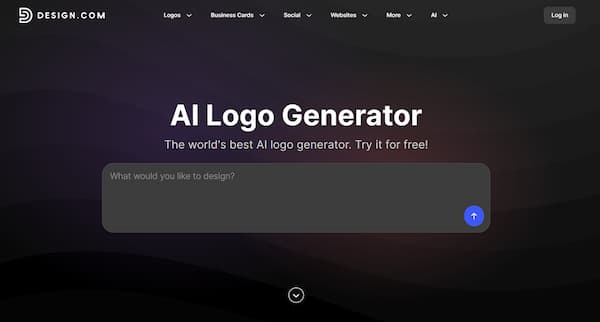
You start by describing the business or creative direction you have in mind, and the AI generates concepts from there. What sets it apart is the hybrid approach to their AI logo generator. Give it a prompt, say something like, “I run a coffee shop called Green Grove Cafe. Generate a logo that includes a rabbit wearing a top hat and drinking coffee.”
The platform will then generate several unique logo designs featuring the elements you ask for and it will also give you thousands of templates from its 500,000+ pre-made logo templates to choose from.
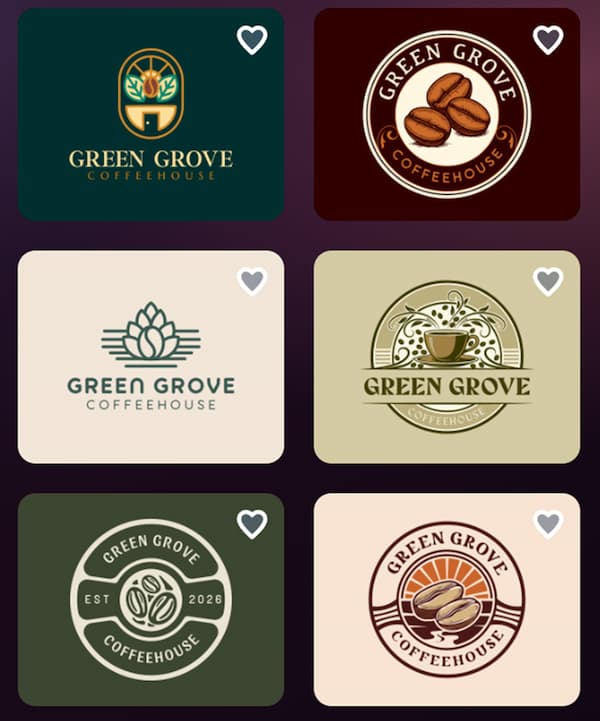
That range matters more than it might seem. AI logo tools can get repetitive fast when they lock onto one obvious interpretation of an industry. A restaurant, a gaming brand, a consultancy, a construction company; each deserves more than one visual angle, and Design.com actually gives you that.
The AI-assisted editing is another standout. You can request changes to logo text and icons through a simple conversational interface, which is a genuine relief if you know something needs to change but have zero interest in learning design software to fix it. On top of that, manual customization runs deep: 750 fonts with over 500 of them exclusive to Design.com and 62,000 custom vector shapes, so there’s plenty of room to push past a generic starting point.
But the real edge shows up after the logo is done. Design.com hands you 50+ additional design and branding tools, covering things like:
- Business cards
- Websites
- Digital business cards
- Social media posts and stories
- Presentations
- Flyers and posters
- Letterheads
- Email signatures
- QR codes
- Menus
- Image generation
Templates for all of it can automatically inherit your logo’s colors. Instead of rebuilding your visual identity from scratch in three different programs, you just carry the same styling across business documents, print, social, and web.
Download options are just as strong. Logo packages include SVG, EPS, PDF, PNG, and JPG, plus transparent-background and icon-only versions, and animated logos export as GIF or MP4. That covers pretty much every scenario: websites, signage, merch, documents, social profiles, professional printing.
Design.com also offers free logo options, and downloading a free logo unlocks a free website builder, link-in-bio creator, and digital business card maker. Premium plans layer on unlimited logo changes from the AI editing feature and broader platform access.
Worth knowing: the interface is built for beginners and business owners, not professional designers chasing pixel-level control, and it’s browser-based rather than a native desktop app. For the audience it’s built for, though, that simplicity works in its favor.
Verdict: Design.com is the pick for small businesses that want to take one logo and turn it into a fully coordinated, commercially usable brand without duct-taping together five separate tools.
2. BrandCrowd: Best for Freelancers Who Need a Logo Quickly
BrandCrowd is the pick for freelancers, consultants, and independent professionals who need a credible identity without committing to a lengthy custom design process.
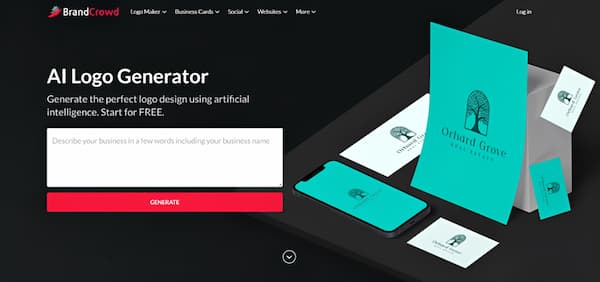
Its biggest strength is speed. You search or generate logo ideas, customize whichever one catches your eye, and get it ready for real use, all through a fairly direct workflow. The template library is professionally designed and spans a wide range of industries, so you’re not staring at a blank canvas trying to invent a direction from nothing.
Format-wise, BrandCrowd covers the essentials: PNG, JPG, SVG, EPS, PDF, plus transparent-background, icon-only, and animated options. That flexibility matters when the same identity needs to show up on a portfolio, a proposal, an invoice, an email signature, a social profile, and a printed business card, all without looking inconsistent.
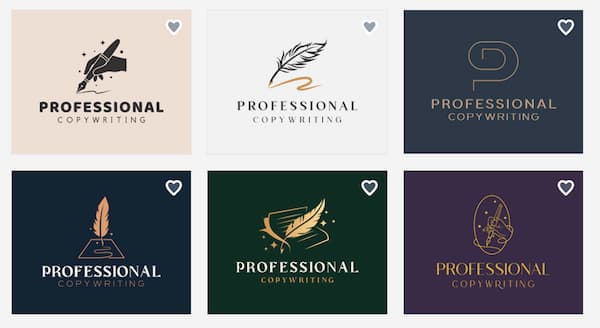
Beyond the logo itself, there are tools for websites, social content, business cards, letterheads, presentations, flyers, and posters. You can also shortlist favorites or set up a voting poll, which is genuinely useful when you need a client or business partner to weigh in. Its extras (domain registration, branded printing) round out a fairly convenient path from “pick a logo” to “use it in the real world.”
The limitations show up when workflows get more complex. BrandCrowd has fewer technical integrations than some businesses will need, and its collaboration tools are built for straightforward feedback, not layered agency-style approvals.
Verdict: BrandCrowd is best for freelancers who want a professional-looking identity fast and care about template quality, flexible downloads, and convenient extras.
3. Canva: Best for Agencies and Content Teams
Canva is best thought of as a broad content-creation platform that happens to include logo-making, not a dedicated logo tool with extra features bolted on. That distinction is exactly what makes it useful for agencies, marketing teams, and anyone producing visual content on a regular cadence.
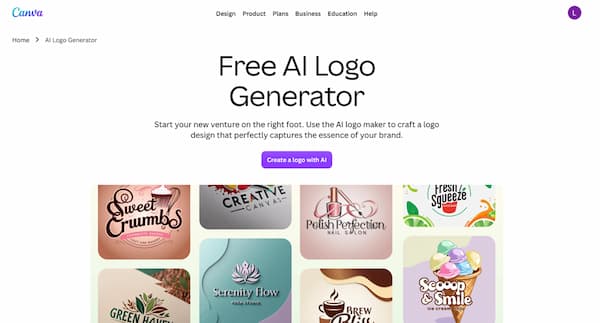
The collaborative workspace lets multiple people work off shared graphics, templates, and brand elements. Once a logo and visual direction exist, a team can apply them across presentations, social posts, ads, documents, videos, and whatever else the campaign calendar demands.
The drag-and-drop editor is familiar to most non-designers, which cuts down onboarding time for clients or new team members, and the general-purpose template library is genuinely huge if logo design is just one slice of a bigger content operation.
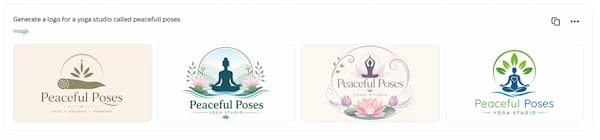
That versatility comes with a tradeoff, though. Canva isn’t as focused on logo development specifically as Design.com is. If you’re after deep logo variety, specialized AI logo editing, or a tight path from “pick a logo” to “build a brand,” a dedicated branding platform is going to serve you better. There’s also a real risk of ending up with widely used design elements that never get customized enough, so if you go this route, actually adjust the fonts, spacing, colors, and layout. Otherwise your “unique” brand ends up looking like everyone else’s Canva template.
Verdict: Canva works best for agencies and teams that already know their visual direction and need a collaborative space to keep producing content around it.
4. Wix Logo Maker: Best for Website-First Businesses
Wix Logo Maker earns its spot when logo creation is really just one step in a bigger plan to launch a website through Wix.
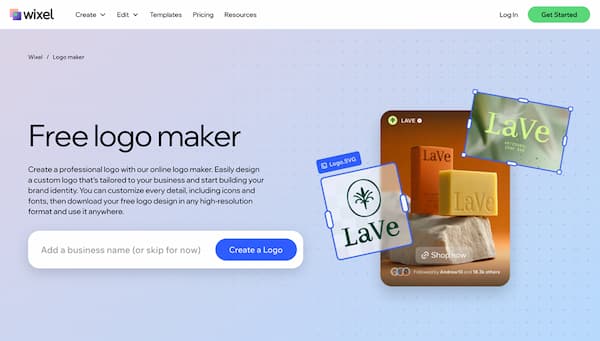
The process asks about your business, industry, and preferred style before generating concepts, which helps beginners who wouldn’t know how to describe typography or composition on their own. Once you pick a logo, it flows straight into your Wix website and related brand materials, cutting down the friction for anyone whose main goal is getting a professional site live quickly.
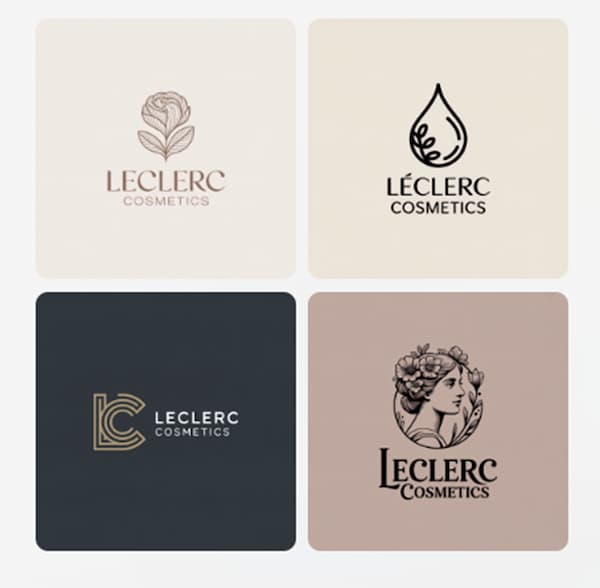
Where it gets less compelling is outside the Wix ecosystem. The logo can technically stand on its own, but most of the convenience comes from staying inside Wix for both the site and the brand. Its guided process can also lean a bit too heavily into your initial answers, so it’s worth comparing a few directions and testing the final logo at small sizes before you commit.
Verdict: Wix Logo Maker is best for founders who’ve already chosen Wix and want their website and logo creation to happen in the same place.
5. Looka: Best for Guided Brand Development
Looka is built for founders who want the platform to lead them through the early design decisions, not the other way around.
Instead of asking for a fully formed creative brief, it collects info about your business and has you pick styles, colors, symbols, and example logos you like, then generates directions based on those choices. This questionnaire-driven approach works well when you know exactly what your business does but haven’t figured out what it should look like yet. The coordinated brand-kit materials help extend whatever you pick into common business and social formats.
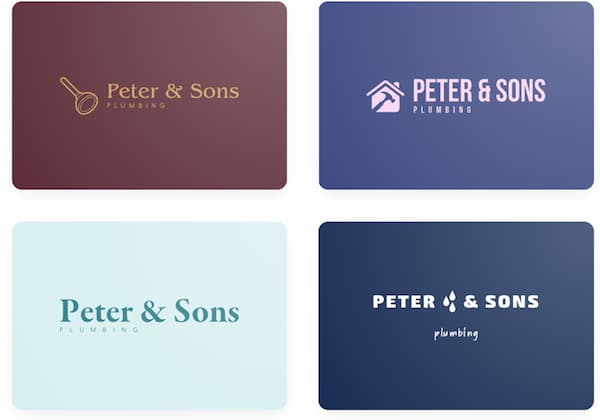
The guided workflow is also its main weakness. Generated concepts can lean on familiar patterns for a given industry, and it’s easy to mistake a polished first result for a truly distinctive one. Plan on extra customization if you want a logo that actually feels specific to your business rather than “generic gaming company” or “generic bakery.”
Verdict: Looka is best for founders who want a structured, preference-based process and genuinely need help figuring out a visual identity from scratch.
6. Shopify Logo Maker: Best Free Option for E-Commerce
Shopify Logo Maker is a solid pick for new online sellers who need a logo without spending part of an early-stage budget on design.
The workflow is simple enough for product experiments, side businesses, and founders who are still testing whether their idea has legs. You get a basic identity and can start building storefront materials without waiting on a full branding project. Select an industry and style, generate concepts, download assets for common uses, done.
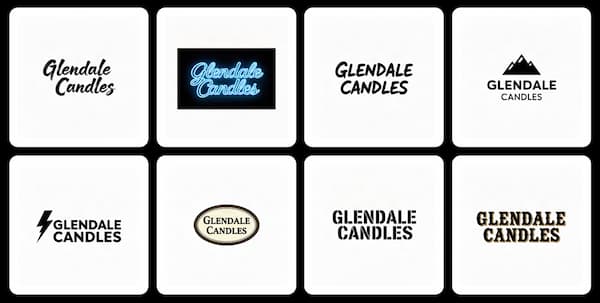
Simplicity is really the whole appeal here, not creative depth. It’s genuinely useful during the validation stage, but the customization and broader brand-management tools are limited compared to full branding platforms. Once a store starts gaining traction, it’ll likely need a more distinctive logo, proper vector files, and a bigger set of coordinated assets than this tool provides.
Verdict: Shopify Logo Maker is the best free option for e-commerce founders who need a straightforward logo to launch or test a store.
AI Logo Generator Comparison by Use Case
| Tool | Best For | AI Guidance | Customization | Brand Tools | Free Option | Main Tradeoff |
| Design.com | Small businesses & complete branding | Advanced | High | Extensive | Yes | Less suited to highly technical design workflows |
| BrandCrowd | Freelancers & service providers | Strong | High | Extensive | Yes | Lightweight collaboration for large teams |
| Canva | Agencies & content teams | Strong | High | Extensive | Yes | Logo creation is one feature within a broader platform |
| Wix Logo Maker | Website-first businesses | Guided | Moderate | Wix-focused | Logo preview | Greatest value comes from staying with Wix |
| Looka | Founders seeking design guidance | Guided | Moderate | Strong | Limited | Concepts may require refinement to feel distinctive |
| Shopify Logo Maker | New e-commerce sellers | Basic | Basic | Limited | Yes | Fewer advanced customization options |
How to Choose an AI Logo Generator
Start with what you actually need to do once the logo exists.
Which AI logo generator is best for a small business? Design.com, hands down. It combines logo generation and editing with flexible downloads and tools for building a complete brand identity.
Which AI logo generator is best for freelancers? BrandCrowd. It’s the fastest path to finding, personalizing, and downloading something professional-looking.
Which logo generator is best for an agency? Canva. Shared brand assets, collaborative editing, and the ability to churn out marketing content at volume.
Which AI logo generator is best for a website? Wix Logo Maker if you’re already building with Wix. Design.com if you want platform-independent branding tools that go further.
What’s the best free logo generator for an online store? Shopify Logo Maker for launching or validating a basic e-commerce idea. Design.com once you need something more developed and consistent.
Final Verdict: What Is the Best AI Logo Generator in 2026?
Design.com is the best overall AI logo generator in 2026. It brings together AI generation, conversational editing, real design variety, professional file formats, commercial usability, and genuine brand-building support, all in one place. Most importantly, it doesn’t treat your logo like a standalone graphic you download and forget. You can carry that identity straight into your website, business cards, social content, presentations, email signatures, and dozens of other materials.
If you only need something temporary, sure, a narrower free tool will do the job. But if you actually want to build a logo into a full business identity, Design.com is the most capable choice out there.