

Quick Answer
AI video generation helps creators turn text prompts, reference images, and existing footage into cinematic scenes without traditional production resources. Newer models, including Kling 4.0, aim to improve motion, consistency, and creative control, while strong prompts and careful editing remain essential.
Key Takeaways
- AI video tools can support short films, social media videos, advertisements, and image animation.
- Character consistency, natural movement, and camera control remain important challenges.
- Kling 4.0 emphasizes longer clips, reference-based generation, and cinematic storytelling.
- Clear prompts should describe subject, action, camera movement, lighting, and continuity.
- Review generated content for accuracy, commercial rights, and production quality before publishing.
Creating cinematic videos once required specialized equipment, professional editing software, experienced camera operators, and considerable production time. Today, artificial intelligence is opening new possibilities for filmmakers, marketers, independent creators, and small businesses that want to turn ideas into compelling visual stories.
AI video generation is evolving beyond short experimental clips. Modern tools are increasingly designed to support character consistency, camera movement, scene transitions, and more structured storytelling. This allows creators to explore concepts that would otherwise require a larger production budget.
But how can creators use these tools effectively, and what should they consider when choosing an AI video model?
What Is AI Video Generation?
AI video generation uses machine learning models to create moving visuals from instructions such as text prompts, reference images, or existing video clips. Depending on the platform, users can generate scenes from scratch, animate still images, or modify elements of an existing video.
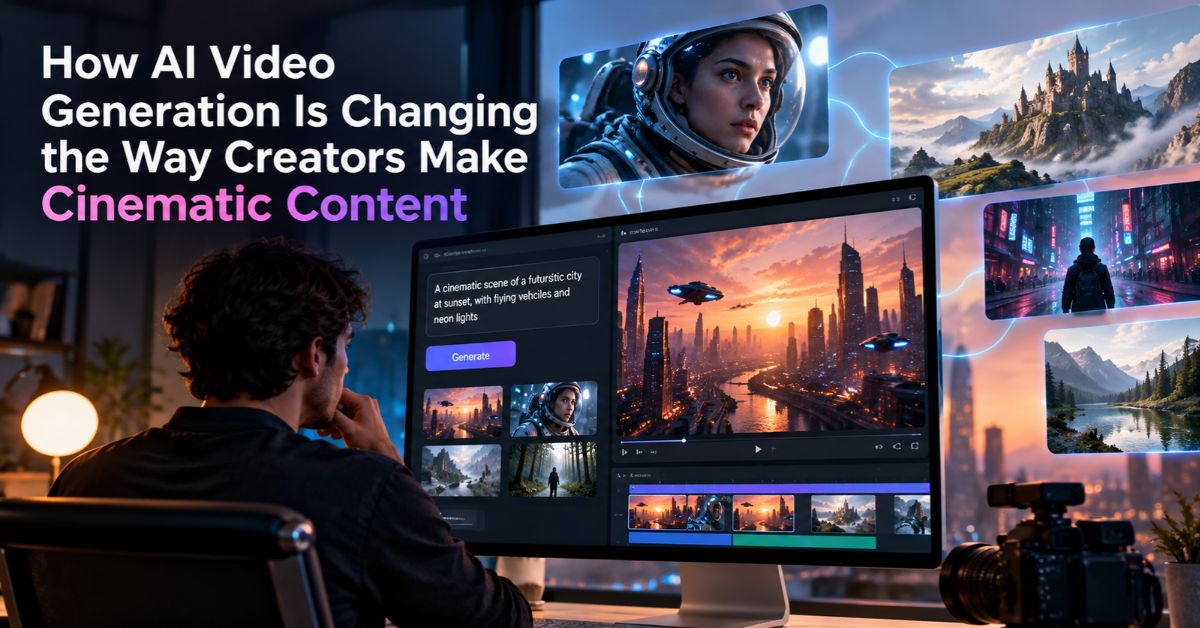
For example, a filmmaker might describe a futuristic city at sunset, with flying vehicles moving between illuminated skyscrapers. An AI video model can interpret that description and generate a visual sequence based on the prompt.
These tools can also help businesses create product demonstrations, social media advertisements, promotional clips, and visual concepts for upcoming campaigns.
However, the quality of the output depends on several factors, including the model’s capabilities, prompt clarity, reference materials, and the complexity of the requested scene.
Creators comparing platforms can also review our guide to the best AI video generators in 2026 to see how leading tools differ in quality, control, and practical use.
Why Are Creators Looking for More Advanced AI Video Models?
Generating a visually appealing clip is only one part of video production. Creators also need control over how characters move, how the camera behaves, and how individual shots fit into a larger narrative.
A model might produce an impressive opening frame but struggle to maintain the same character appearance throughout a sequence. Similarly, complex camera movements or fast action can introduce visual inconsistencies.
These challenges have encouraged the development of models that focus on more than visual quality alone.
More Natural Motion and Camera Control
Camera movement plays an important role in cinematic storytelling. Tracking shots can follow a moving subject, while slow push-ins can emphasize an emotional moment.
Advanced video models aim to interpret these instructions more accurately, giving creators greater flexibility when planning a scene.
Better Character and Scene Consistency
Recurring characters need recognizable faces, clothing, and proportions. Reference-based workflows can help creators preserve these details across different scenes, although consistency is not guaranteed in every generation.
Longer and More Connected Scenes
Short clips are useful for advertisements and social media, but storytelling often requires a sequence of connected actions. Models that support longer generations and multiple keyframes can help creators plan more developed visual narratives.
How Kling 4.0 Fits Into the Evolution of AI Video Creation
Kling 4.0 is a next-generation video generation model designed to improve visual realism, creative control, and narrative continuity. Its announced capabilities include native video generation of up to 30 seconds, multiple keyframe inputs, multimodal reference assets, and improved handling of dynamic movement and camera work.
These features are relevant to creators who want to develop more structured video sequences rather than generate isolated clips. For example, a creator can use reference materials to guide a character’s appearance and keyframes to establish important visual moments in a scene.
Kling 4.0 also emphasizes audiovisual quality and improved synchronization between dialogue and character performance. Such capabilities can be useful when developing cinematic scenes, character-driven videos, and promotional content.
As with other generative tools, actual results depend on the prompt, source materials, settings, and the specific workflow being used. Creators should test outputs and review them before using them in a finished production.
Practical Ways to Use AI Video Generation
AI-generated video can support several creative workflows, from early concept development to producing short-form marketing content.
1. Create Short Films and Visual Stories
Independent filmmakers can use AI video models to visualize scenes, experiment with cinematic styles, and develop story concepts before committing to a traditional production.
For example, a science-fiction story might begin with a written scene describing an astronaut exploring an abandoned space station. The creator can develop reference images, define important story moments, and generate clips that establish the atmosphere and visual direction.
The resulting footage may require further editing, sound design, and continuity adjustments, but it can provide a useful foundation for experimentation.
2. Produce Social Media Videos
Short-form content requires a steady supply of new visual ideas. AI video tools can help creators develop clips for tutorials, entertainment, product storytelling, and educational posts.
Instead of filming every concept, creators can test different visual approaches and identify which ones communicate their message most effectively.
A clear opening, readable visuals, and a focused narrative remain important, regardless of how the footage is generated.
3. Develop Product Advertisements
Businesses can use AI-generated video to explore product reveals, lifestyle scenes, and campaign concepts. For example, a brand launching a new pair of headphones might experiment with a futuristic studio setting, dramatic lighting, and controlled camera movements.
These concepts can help marketers communicate their creative direction before producing the final advertisement.
However, generated footage should not misrepresent a real product’s appearance, features, or performance. Product details and commercial claims need to be verified before publication.
4. Animate Images Into Video
A still image can become the starting point for a more dynamic visual sequence. Image-to-video workflows allow creators to add movement to landscapes, illustrations, character portraits, and product concepts.
For example, a landscape illustration might be animated with moving clouds, flowing water, and a gradual camera movement.
The most effective prompts specify what should move, how the camera should behave, and which elements should remain unchanged. This helps reduce unnecessary motion and keeps the result closer to the intended concept.
How to Write Better Prompts for Cinematic AI Videos
Prompt writing is an important part of controlling generated footage. A vague description may produce an interesting result, but a structured prompt gives the model more information about the intended scene. OpenAI’s official video prompting guidance similarly emphasizes clear descriptions of framing, action, lighting, and other shot details.
A useful prompt should include the following elements:
- Subject: Identify the person, object, or environment.
- Action: Describe what happens during the scene.
- Camera direction: Specify a tracking shot, slow push-in, wide shot, or other movement.
- Lighting: Define the mood using natural daylight, soft studio lighting, dramatic shadows, or another clear description.
- Visual style: Specify realistic cinematography, animation, documentary aesthetics, or a particular artistic direction.
- Timing and continuity: Explain how the action develops and which details must remain consistent.
For example, consider this prompt:
“A lone explorer walks through an abandoned futuristic city at dusk. The camera slowly tracks forward behind the explorer as illuminated signs flicker in the distance. Light rain reflects the blue and amber lights on the pavement. Maintain consistent clothing and character proportions, with realistic movement and a cinematic science-fiction atmosphere.”
This description communicates the subject, action, camera movement, lighting, and visual style. It gives the model a more specific creative direction than simply requesting a futuristic city video.
For complex scenes, creators can also break the story into individual shots or use reference images and keyframes when the selected model supports them.
What Should You Compare When Choosing an AI Video Tool?
Not every model is suitable for every project. The best choice depends on the type of content, the level of control required, and the amount of post-production the creator is prepared to perform.
Consider these factors before selecting a platform:
Motion quality: Can the model handle fast action, natural gestures, and complex camera movements?
Reference control: Does it support image or video references to guide the appearance of subjects and scenes?
Generation length: Can it produce sequences that fit the intended use, or will multiple clips need to be assembled?
Audio capabilities: Does it support dialogue, sound generation, or synchronization features relevant to the project?
Editing flexibility: Can creators refine specific elements without regenerating an entire scene?
Cost and access: Are the desired features available under the current plan, and how do generation limits affect the workflow?
Testing a few representative prompts is often more useful than relying entirely on promotional demonstrations. Evaluate the results using the actual requirements of your project.
Common Mistakes to Avoid
Even advanced AI models require thoughtful planning and review.
Writing overly complicated prompts: Too many unrelated instructions can make it harder to achieve a coherent result. Prioritize the most important visual details.
Ignoring continuity: Changes in clothing, facial features, object placement, or lighting can make connected scenes feel inconsistent. Use references where available and review each clip carefully.
Expecting every generation to be production-ready: AI footage may contain visual artifacts, unnatural movement, or inaccurate details. Editing and quality control remain important. Creators dealing with repeated generations may also want to review our guide to the AI video cost trap and how a more controlled workflow can reduce unnecessary retries.
Overlooking sound design: A visually compelling scene can still feel incomplete without appropriate dialogue, ambient sound, or music.
Skipping rights and disclosure checks: Review the relevant platform terms and applicable laws before using generated material commercially, particularly when it depicts recognizable individuals, protected characters, or branded products.
Final Thoughts
AI video generation is giving creators new ways to explore cinematic storytelling, develop marketing concepts, and produce visual content with greater flexibility. As models improve, the focus is shifting from generating isolated clips toward achieving better motion, more consistent subjects, and greater control over how scenes unfold.
Kling 4.0 is one example of this development, with features aimed at longer single-generation videos, reference-guided creation, and more controlled storytelling.
Ultimately, strong AI video production still depends on creative direction. Clear prompts, purposeful camera movements, consistent references, and careful editing help turn an initial idea into a coherent visual experience.