

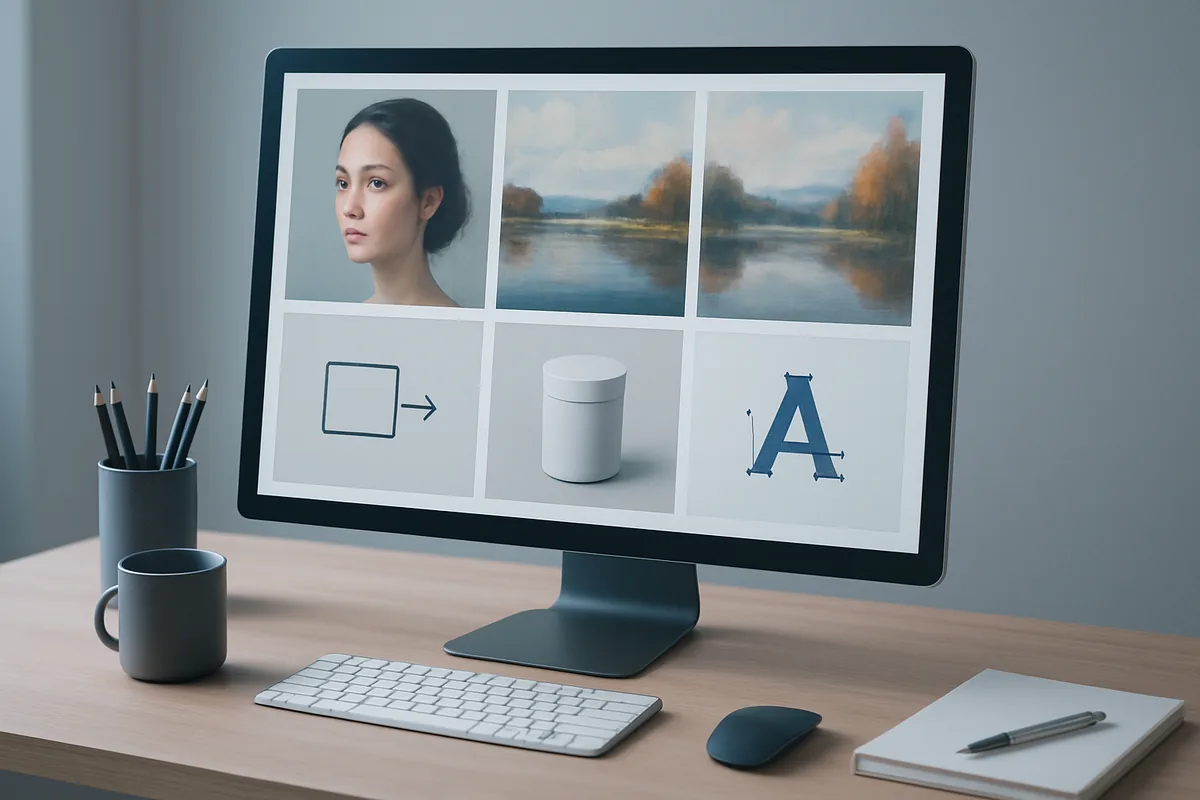
There is no single best AI image generator. The right one depends on what you are making and on the file you need at the end. Here is how five leading tools compare, including a new option for logos and icons that need to be vector files. If cost is the deciding factor, see our separate guide to the best free AI image generators.
Features and prices checked October 28, 2026 on each vendor’s official site.
Quick Answer
There is no single best AI image generator in 2026; the right one depends on the job and the file you need. Midjourney leads stylized art, ChatGPT conversational edits, Adobe Firefly Creative Cloud work, Recraft brand vectors and Higgsfield consistent realistic faces. For SVG logos, Ideogram Vector 1.0 went live on Higgsfield on October 24, 2026.
Key Takeaways
- The best image generator depends on the job: realistic people, stylized art, conversational edits, Creative Cloud work and vector logos each have a different leader.
- Most generators output raster files such as PNG or JPG. For logos and icons that must scale, choose a tool with vector (SVG) output.
- Higgsfield now offers Ideogram Vector 1.0, with Text to SVG and Image to SVG modes. It is not part of Unlimited, and each generation uses credits.
- Free plans differ: some limit commercial use or make your images public.
- On credit-based tools, check the cost before you generate and budget for a few retakes.
How do the best AI image generators compare?
The table maps each tool to the job it fits best.
| Tool | Best for | Output | Starting price | Watch for |
|---|---|---|---|---|
| Higgsfield | Realistic people and consistent faces; SVG via Ideogram Vector | Raster and SVG | Free plan; Starter $15/month | Generations use credits |
| Midjourney | Stylized and concept art | Raster | Basic $10/month | No vector output |
| ChatGPT | Creating and refining images in conversation | Raster | Free; Go $8/month, Plus $20/month | Less suited to saved brand presets |
| Adobe Firefly | Creative Cloud teams | Raster, plus vector tools in Illustrator | Standard $9.99/month | Credits shared across Adobe apps |
| Recraft | Brand graphics and vectors | Raster and vector | Free plan; paid plans for commercial use | Free-plan images are public and not licensed for commercial use |
Higgsfield
Higgsfield is a generative platform for creative production. Its own image model, SOUL 2.0, is built for fashion-grade realism with presets instead of long prompts, and Soul ID trains on 10 to 25 photos of one person to keep a face consistent across images. Train it only on photos of someone whose face you own or have permission to use. With Ideogram Vector added, the same account now covers SVG logos and icons too.
Midjourney
Midjourney is still the choice many artists make for stylized, painterly and concept-art images, with a large community and style library. Moodboards, personalization and style references help keep a look consistent, and any image can be animated into a short video. It produces raster files only, so logos still need tracing, and it is a separate subscription starting at $10 a month on the Basic plan. Our guide on how to use Midjourney V7 covers the workflow.
ChatGPT
ChatGPT is the easiest option if you already pay for it. You describe an image in conversation and refine it in follow-up messages, which suits quick blog images, diagrams and simple mockups. Image creation is included on the free tier with limits, and the Go and Plus plans at $8 and $20 a month raise them. It is less suited to a repeatable brand workflow with saved characters, presets and team review. For recent changes, see our report on the ChatGPT Images sketch update.
Adobe Firefly
Firefly fits teams already on Creative Cloud. Adobe positions it as designed for commercial use, and its features appear inside Photoshop and Illustrator, where vector work already lives. Firefly Standard starts at $9.99 a month, and generative credits are shared across Firefly, Photoshop, Illustrator and other Adobe apps. Teams outside Creative Cloud gain less from that integration, and video and partner models draw on the same monthly credits.
Recraft
Recraft is a design-focused generator built around brand graphics, and it offers vector generation in its app and through its API, alongside editing, background removal and inpainting. It is a natural comparison for anyone choosing a vector tool. Check the plan before client work: Recraft says images made on the Free plan are publicly visible and not licensed for commercial use, while paid plans grant full ownership and commercial rights.
Why does vector output matter when you choose an image generator?
Most image generators, including the ones that top 2026 roundups, produce raster files such as PNG or JPG. That is fine for social posts and ads. It is a problem for brand assets. A designer who gets a raster logo from AI usually has to trace it by hand before it can go on a business card, a shop sign or an app icon set.
A vector model skips that step. You get a file that print shops, design tools and developers can scale without loss. For small businesses, solo founders and content teams without a full-time designer, that removes one of the most common reasons AI images stop at the mood-board stage.
One honest limit: Image to SVG works best on simple logos and illustrations with clear shapes. Photos and very detailed images are simplified during conversion, so do not expect a photo to come back as a one-to-one vector copy.
What is Ideogram Vector, and how do you use it?
Ideogram Vector 1.0 is an image model from Ideogram that creates vector graphics in SVG format. A regular AI image is made of pixels, so it gets blurry when you enlarge it. A vector is made of shapes and paths, so it stays sharp at any size, from a favicon to a billboard. We covered the model’s arrival on Runway earlier.
On Higgsfield, you find it under Image, then Manual mode, then Model, where it appears as Ideogram Vector 1.0. The Operation menu has two choices:
- Text to SVG. You write a prompt and can add reference images. You pick an aspect ratio (Auto by default) and a quality level: Low, Medium or High.
- Image to SVG. You upload one image and the model rebuilds it as vector shapes. No prompt is needed.
Typical uses are logos and wordmarks, icons and stickers, posters and patterns, and turning a raster logo or a drawing into an SVG for print.
Can you edit an Ideogram Vector result?
Yes. Like any generation on Higgsfield, the result can be opened in the Edit tab, where Layer Decomposition splits an image into separate layers and Edit Text replaces the wording, for example a brand name in a logo. If you need the final file as SVG, export it before further raster edits and check the downloaded format.
How much does Ideogram Vector cost on Higgsfield?
Ideogram Vector uses credits for each generation. The exact cost depends on your settings and is shown on the Generate button before you start. It is not included in Unlimited.
If a generation fails, Higgsfield returns the credits automatically. Completed generations are not refunded, so for logo work it is worth running a few Low or Medium quality drafts before a final High quality pass. Current plans are listed on the Higgsfield pricing page.
What should you check before choosing?
Conversion quality on Image to SVG depends on the source: clean logos convert well, while photos are simplified. Like all AI-generated logos, results still need a human check for trademark conflicts, for example in the USPTO trademark search, before you register or print them. And as with any new model, expect a short learning curve on how much detail to put into a Text to SVG prompt.
Which AI image generator should you choose?
Choose by the output. For realistic people and faces that must stay the same, start with Higgsfield. For stylized and concept art, Midjourney. For quick images refined in conversation, ChatGPT. For work that lives in Photoshop and Illustrator, Adobe Firefly. For logos and icons that must scale, pick a vector tool such as Recraft or Ideogram Vector, and use Image to SVG when you already have a simple raster logo or sketch. Our roundup of the best AI logo generators covers more logo-specific options.
You can try Ideogram Vector from the Higgsfield AI image generator by choosing Ideogram Vector 1.0 in the Model menu under Manual mode.
FAQ
What is the best AI image generator in 2026?
It depends on the output. Higgsfield suits realistic people and consistent faces, Midjourney stylized art, ChatGPT conversational image creation, Adobe Firefly Creative Cloud teams, and Recraft or Ideogram Vector logos and icons in vector format.
When did Ideogram Vector launch on Higgsfield?
Ideogram Vector 1.0 became available on Higgsfield on October 24, 2026. It is under Image, Manual mode, then Model.
Can AI turn my existing logo into a vector?
Yes. Choose Image to SVG in Ideogram Vector and upload one image. Simple logos and illustrations give the best results, while photos and detailed images are simplified.
Is Ideogram Vector included in Higgsfield Unlimited?
No. Ideogram Vector is not part of Unlimited, so each generation uses credits. The exact cost appears on the Generate button.
Which AI image generator is best for logos?
A tool with vector output. Ideogram Vector on Higgsfield and Recraft both generate vector files, and Adobe Illustrator adds vector tools for teams on Creative Cloud. Raster-only tools need the logo traced before print.