

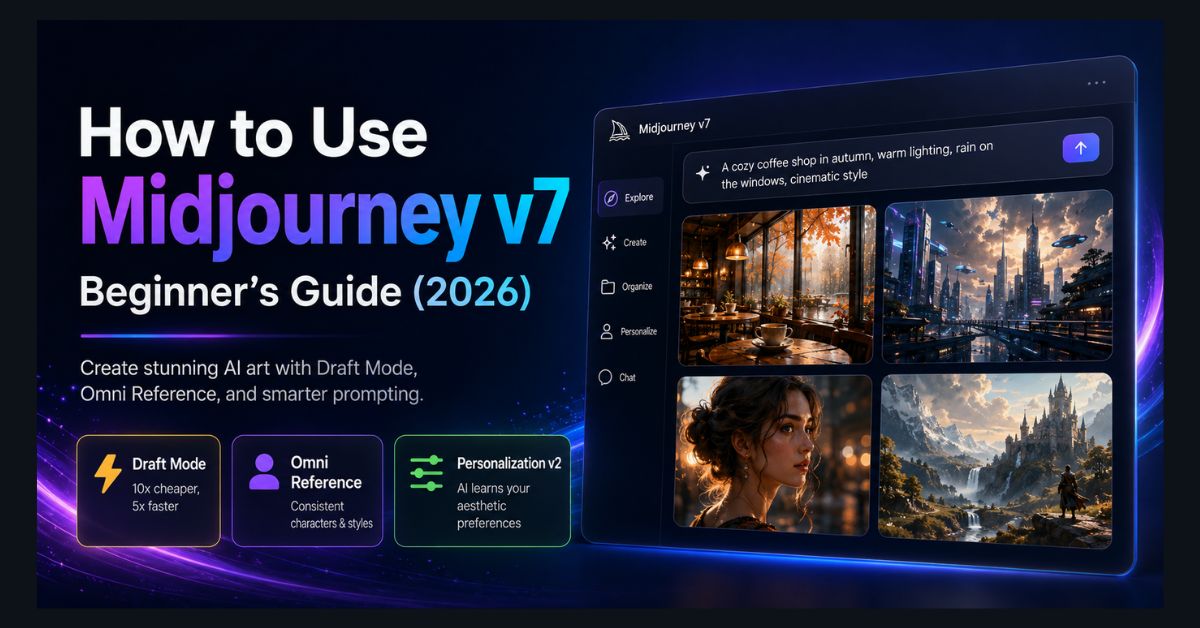
Midjourney v7 is the most artistically capable AI image generator available in 2026. While tools like Gemini’s Nano Banana 2 and ChatGPT’s GPT Image 2 are catching up on photorealism, Midjourney remains the benchmark for aesthetic quality, cinematic composition, and artistic style control.
If you’re new to Midjourney, the setup process has improved dramatically. The Discord dependency is mostly gone — there’s now a full web interface at midjourney.com. This guide walks you through everything from creating your account to crafting prompts that produce stunning results.
Getting Started: Account and Pricing
- Step 1: Visit midjourney.com and create an account. You can sign in with Discord or Google.
- Step 2: Choose a plan. Midjourney removed its free trial in 2023 — all access requires a paid subscription:
| Plan | Price | GPU Minutes | Features |
|---|---|---|---|
| Basic | $10/month | ~200 images | Standard generation |
| Standard | $30/month | 15 hrs fast | Unlimited relaxed mode |
| Pro | $60/month | 30 hrs fast | Stealth mode, more fast hours |
| Mega | $120/month | 60 hrs fast | Maximum fast generation |
Annual billing gives 20% off. For most beginners, the Basic plan ($10/month) is sufficient to learn and create. Upgrade when you need more speed or volume.
- Step 3: Access the generation interface at midjourney.com/imagine. This is the web app where you’ll create images. You can also use the Discord bot in the Midjourney Discord server, but the web interface is now the recommended experience.
Your First Image: Basic Prompting
In the prompt bar at midjourney.com/imagine, type a description and press Enter. Midjourney generates 4 variations. Example:
“A cozy coffee shop in autumn, warm lighting, rain on the windows, watercolor style”
Midjourney produces four interpretations. Click any image to upscale it to full resolution, create variations, or modify it further.
Key V7 Features
Draft Mode (New in V7)
Draft Mode generates images at 1/10th the cost and roughly 5x faster than standard generation. The quality is lower — think “rough concept” rather than “final output” — but it’s invaluable for exploring ideas quickly.
Add –draft to any prompt: “A futuristic city skyline at sunset –draft”
The workflow: generate 10-20 drafts cheaply to explore directions, then promote the best concept to full-quality standard generation. This mirrors how real creative teams work — exploration is cheap, polish is expensive.
Omni Reference (New in V7)
Omni Reference replaces the old character reference system. Upload a reference image and Midjourney maintains consistency — same character, same object, or same style — across different scenes.
Upload a reference image, then prompt: “The same woman from the reference, sitting in a Parisian café, golden hour lighting –ref [uploaded image]”
You can stack multiple references: a person reference + a style reference + an object reference. This makes Midjourney viable for creating consistent characters across an ad campaign, lookbook, or social media series.
Personalization v2
Rate 200+ images that Midjourney shows you to calibrate its understanding of your aesthetic preferences. Once trained, your personal model runs behind every prompt, subtly steering output toward styles, compositions, and color palettes you prefer.
Access via midjourney.com → Settings → Personalization. Spend 15-20 minutes rating images. The more you rate, the better it understands your taste.
Prompting Tips for Better Results
- Be specific about subject and action: “A golden retriever running through a sun-dappled forest” is better than “a dog in nature.”
- Use camera and lighting language: Midjourney understands photography terminology. “85mm portrait lens, shallow depth of field, golden hour backlighting, eye-level angle” produces dramatically better results than generic descriptions.
- Reference art styles: “In the style of Studio Ghibli,” “cinematic, Blade Runner 2049 color grading,” “minimalist Scandinavian design” — style references shape the entire aesthetic.
- Use parameters: –ar 16:9 (aspect ratio), –stylize 100 (how much artistic interpretation to apply, 0-1000), –chaos 20 (variation between the 4 outputs, 0-100).
- Negative prompting: Add –no [thing] to exclude elements. “A forest landscape –no people –no buildings” ensures a pure nature scene.
What V7 Does Well (and Where It Struggles)
- Strengths: Artistic quality and composition (best in class), consistent aesthetic style, cinematic lighting and atmosphere, texture and material rendering, creative interpretation of abstract concepts.
- Weaknesses: Text rendering (still unreliable — use Ideogram or ChatGPT for text-in-image), hands (improved but not perfect), precise object placement (you can’t say “put X exactly 3cm from the left edge”), photorealistic portraits of specific real people (intentionally restricted).
For a detailed comparison of how Midjourney compares to free alternatives, see our best free AI image generators guide. If you want to turn your Midjourney images into video, check our Sora AI video generator guide or our roundup of AI video generators.
FAQ
1. Is Midjourney free?
No. Midjourney removed its free trial in 2023. All plans require a paid subscription starting at $10/month.
2. Do I still need Discord for Midjourney?
No. The web interface at midjourney.com/imagine is now the primary creation tool. Discord still works but is optional.
3. Can I use Midjourney images commercially?
Yes, on paid plans. All images generated on paid subscriptions are licensed for commercial use, including print, digital media, merchandise, and client work. Basic plan users must have less than $1M annual revenue; Standard and above have no revenue restrictions.
4. How is Midjourney v7 different from v6?
V7 introduces Draft Mode (10x cheaper generation), Omni Reference (consistent characters/objects across scenes), Personalization v2 (trained aesthetic preferences), improved photorealism, and better prompt interpretation. Everything you learned about prompting in v6 transfers directly to v7.
5. Which is better — Midjourney or ChatGPT for images?
Midjourney produces more artistic, aesthetically refined images. ChatGPT (GPT Image 2) is better for text-in-image accuracy and conversational iteration. Gemini’s Nano Banana 2 leads in photorealism and offers the most generous free tier. See our full comparison for detailed results.