

Quick Answer
Instagram’s Replace Audio feature, which began rolling out July 21, 2026, lets you swap the music on a published feed post or carousel without deleting the post or losing its likes, comments, shares, or reach. To use it, open the post, tap the menu icon, select Edit, and choose Replace Audio. Replacement tracks must come from Instagram’s licensed music library.
Key Takeaways
- Instagram launched Replace Audio on July 21, 2026, for published feed posts and photo or video carousels.
- Replacing audio preserves all existing likes, comments, shares, and algorithmic reach on the original post.
- The feature is accessed through the post’s Edit menu and pulls replacement tracks from Instagram’s licensed music library only.
- Replace Audio currently covers standard feed posts and carousels; Reels follow a separate, existing audio-fix workflow.
- Business accounts see a filtered track list limited to commercially licensed music, which is a narrower selection than personal or creator accounts receive.
What is Instagram’s Replace Audio feature and when did it launch?
Instagram’s Replace Audio tool is a post-publication editing feature that allows users to change the music attached to a live feed post or carousel without removing the content and re-uploading it. Replace Audio is an editing tool Instagram added to feed posts, both single-image and carousels, that lets you change the soundtrack on content you have already published without deleting the original post. Instagram announced it via its official creators account the week of July 20, 2026, framing it as one of the most-requested creator tools of the year.
Instagram started rolling the feature out on July 21, 2026. The Replace Audio tool enables users to update the soundtrack on a post while preserving all existing likes, comments, shares, and reach. That combination, changing the music without forfeiting the post’s accumulated performance data, is what distinguishes Replace Audio from the only previous option, which was to delete and repost. Instagram head Adam Mosseri announced the update in a post on the platform, saying users could now change the audio attached to an existing post through its editing options.
Why did this limitation exist before, and why does it matter now?
Before this update, if you wanted to update a post’s music (for example, because a copyright issue muted it or a trending song had moved on), your only option was to delete the post and repost it, wiping out every like, comment, and share along the way. For casual users, that trade-off was tolerable. For professional creators and brands, however, the consequences were more significant.
Deleting and re-uploading never just reset a like count. It erased the social proof that makes new visitors trust a post, and it wiped the algorithmic momentum that keeps older content resurfacing through shares, profile visits, and recommendations. Trending sounds carry particular weight on Instagram because they appear to drive the algorithm to recommend content to users who follow similar topics in Reels. A post that earned strong early engagement could lose that entire history simply because a rights holder pulled a track months after publication.
How do you use Replace Audio on a published post?
To replace the audio on a published Instagram feed post or carousel, follow these steps:
- Open your profile and navigate to the published post whose music you want to change.
- Tap the menu icon in the top-right corner of the post. Depending on your app version, the menu icon may appear as two lines or three dots.
- Select “Edit” from the menu options that appear.
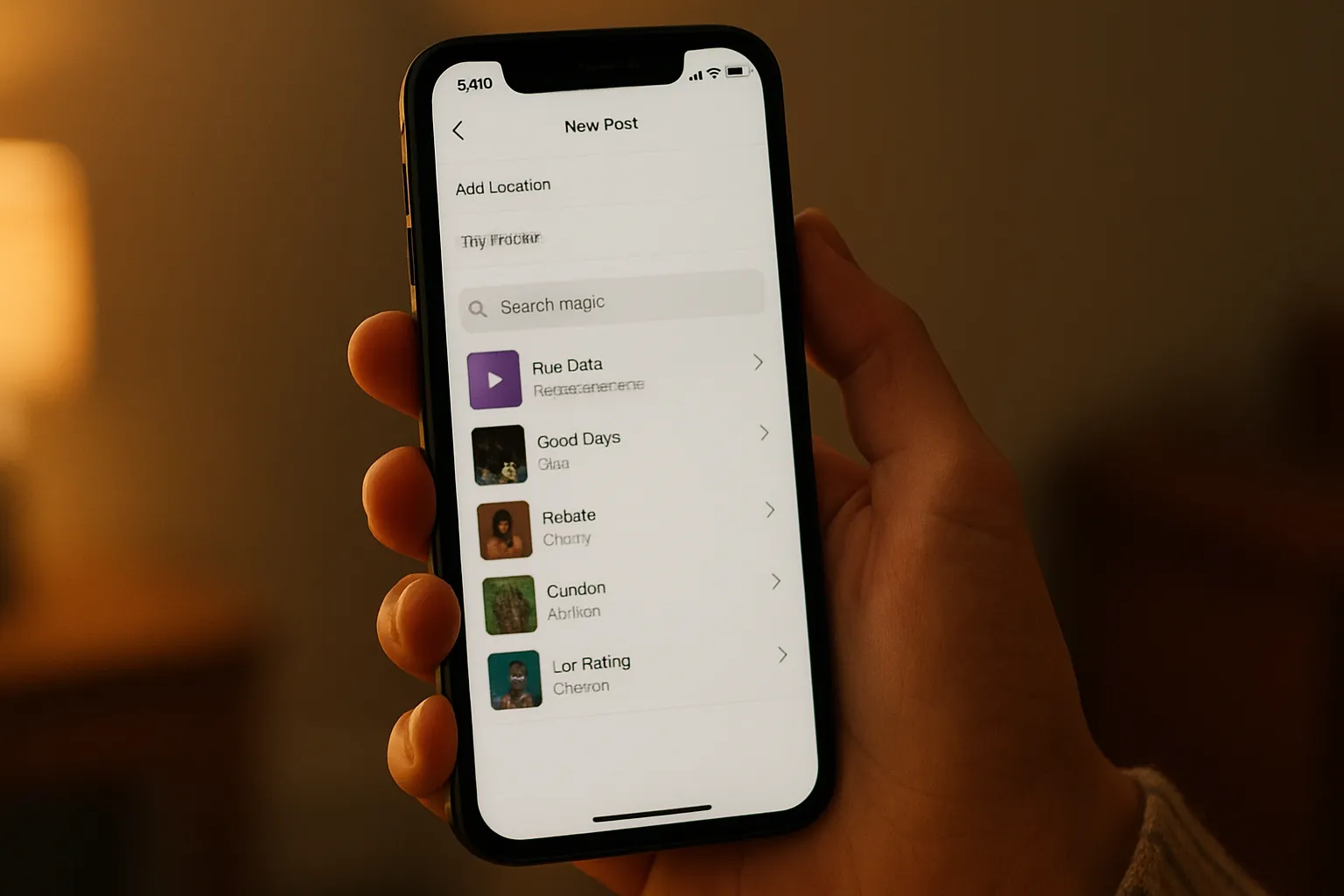
- Tap “Replace Audio.” Instagram’s music library opens, and you pick a new track and the section of it you want, then save.
- Confirm the change. The post stays live the entire time, retaining the same URL, same engagement, and same algorithmic history.
The feature was described as available to users “starting this week” beginning July 21, but staged global rollouts of this kind typically take days to weeks to reach all accounts. If the option does not appear in an account’s Edit menu, updating the app and checking back over the following days is the recommended approach.
Does Replace Audio work on Reels, or only on feed posts?
Replace Audio, as announced, applies specifically to standard feed posts and photo or video carousels, not to standalone Reels. The official initial release explicitly covers standard feed posts and photo or video carousels. A matching, seamless workflow specifically for independent Reels is handled separately or is restricted based on how the audio tracks interact with original voiceovers.
Reels have had a separate audio-fix pathway for some time. Per Instagram’s Help Center, that Reels fix has historically only worked once per Reel and only with tracks from Instagram’s own library. If your post never lost its audio and you simply want a different song, you are using Replace Audio. If Instagram muted your Reel and shows “Audio unavailable,” you are using the Reels-specific fix. Understanding which situation applies to your content will determine which editing path to follow.
What music can you choose when replacing audio?
Replacement tracks must come from Instagram’s licensed music library. The specific tracks available to you depend on your account type and region. Business accounts are still restricted by standard commercial music rights. When you use the Replace Audio tool, you will only be able to select from tracks available in Instagram’s Commercial Music Library. Personal and creator accounts have access to a broader catalog under Instagram’s standard licensing agreements.
Every recorded song has two copyrights, covering composition and recording, and using one in a post requires proper licensing for both. Instagram’s built-in music library covers personal, non-commercial use, but business accounts are restricted to the smaller Meta Sound Collection. This means a brand manager replacing audio on a campaign post will see fewer available tracks than a personal account user would. Music licenses and rights-holder permissions can change, and availability may differ by country or account type. Confirming a track’s availability for your specific account type before publishing a replacement is the most practical step you can take to avoid a repeat muting.
How does Replace Audio compare to the old delete-and-repost approach?
| Factor | Delete and Repost (Old Method) | Replace Audio (New Method) |
|---|---|---|
| Likes and comments | Permanently lost | Fully preserved |
| Shares and reach | Reset to zero | Fully preserved |
| Post URL | Changes with each repost | Unchanged |
| Algorithmic history | Lost entirely | Retained |
| Music selection | Any available track at upload time | Instagram licensed library only |
| Supported content types | All post types | Feed posts and carousels (Reels separate) |
| Business account music options | Full library at upload (subject to account type) | Commercial Music Library only |
What are the main limitations and what should creators watch for?
Replace Audio has three practical constraints that creators should understand before relying on it. First, the music selection is confined to Instagram’s licensed library, which limits creative flexibility compared to uploading a post fresh with an externally sourced track. Second, the feature launched in a phased global rollout, so not every account had access immediately on July 21, 2026. Like most global Meta rollouts, the feature rolls out in phases. If the option is missing on an updated version of your app, your account or region may still be waiting for the server-side deployment to reach it.
Third, there is an important distinction for business and brand accounts. Replacement options are entirely bound to Instagram’s commercial or standard music library licensing agreements. Business accounts will still see a filtered list of copyright-cleared commercial tracks compared to personal or creator profiles. A song that is acceptable for a personal post may be inappropriate for a paid partnership. Any account that runs paid promotions or brand partnerships should verify a replacement track’s commercial clearance before saving the change, because applying a non-commercially licensed track to a boosted post can create a copyright conflict. For specific guidance on licensing obligations in your account context, consult Instagram’s Music on Instagram Help Center page or a qualified rights advisor.
Replace Audio also does not provide an algorithm boost. Instagram’s head of creator product marketing noted that the tool is built to let content grow and change with the creator, though changing the music will not result in a visibility or algorithm boost. The feature protects what a post has already earned; it does not restart or amplify distribution.
For more on how Instagram and other platforms are expanding creator controls, see Threads Now Lets You Make Your Likes Private: How to Lock Down Your Privacy and Snapchat’s New ‘Now Playing’ Shares Your Spotify Music on Snap Map. For a broader look at how social and AI platforms are evolving their content ecosystems, the TikTok Disney Deal and Gemini’s new image tools in Google Docs offer useful context on where platform creativity tools are heading.
FAQ
Does Replace Audio work on Reels?
Instagram’s announcement specifically covers published feed posts and carousels. Reels that have had their audio muted by Instagram for copyright reasons have a separate, existing fix pathway in the app, but that workflow operates independently of the new Replace Audio tool available for feed posts and carousels.
Will replacing audio affect my post’s likes, comments, or reach?
The tool preserves a post’s existing likes, comments, shares, and reach, according to the company. At the same time, Instagram has confirmed the change does not generate a new algorithmic push, so the post retains its existing performance data but does not receive a distribution boost from the edit.
What if the Replace Audio option does not appear in my Edit menu?
The most likely explanation is that the feature has not yet reached your account or region. The feature was described as available to users “starting this week” beginning July 21, but staged global rollouts typically take days to weeks to reach all accounts. Updating the app and checking back over the following days is the recommended approach.
Can business accounts use Replace Audio with any song?
No. Business accounts are still restricted by standard commercial music rights. When using the Replace Audio tool, business accounts will only be able to select from tracks available in Instagram’s Commercial Music Library. Personal and creator accounts have access to a wider selection under Instagram’s standard personal-use licensing. Verify a track’s availability for your account type before confirming any replacement on a post that is being or will be boosted.
Does Replace Audio work if I want to remove the music entirely rather than swap it?
Instagram’s new tool is specifically described as Replace Audio, not Remove Audio. If your Edit screen offers a remove or mute control, you can use it; otherwise, there may not be a universal way to remove a feed post’s music while keeping the post live. If removing audio entirely is the goal, checking the Edit screen of your specific app version is the most direct way to determine whether that option is available to your account.