

Quick Answer
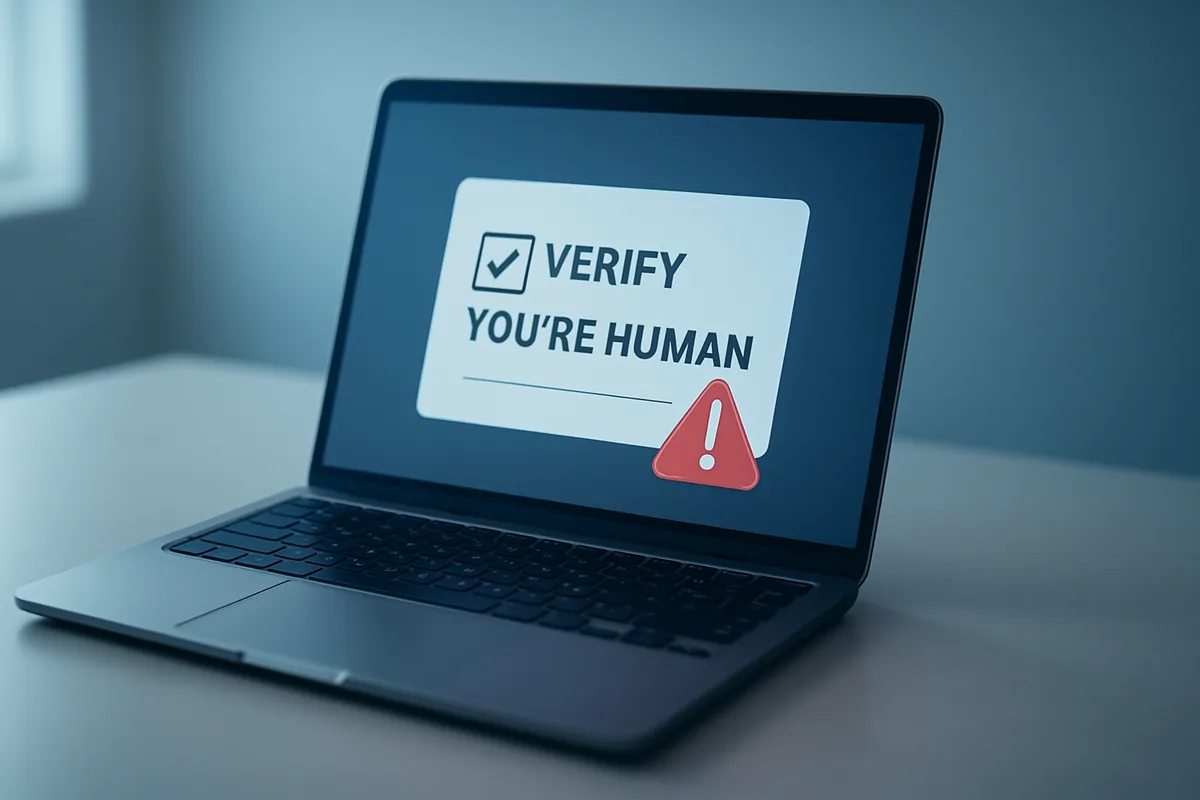
The fake CAPTCHA scam shows a phony “verify you’re human” page that tells you to press keyboard shortcuts and paste a command, which secretly installs malware on your device. Real CAPTCHAs never ask you to run commands. If a verification page tells you to press Windows + R or open Terminal, close the tab immediately.
Key Takeaways
- The scam disguises malware as a routine “prove you’re human” CAPTCHA check.
- It works by getting you to paste a hidden command yourself, so it slips past antivirus.
- A real CAPTCHA never asks you to press Windows + R, open Terminal, or paste anything.
- If you already ran the command, disconnect, scan for malware, and change passwords from another device.
- Security researchers say fake-CAPTCHA attacks surged sharply through 2025 and 2026.
What is the fake CAPTCHA scam?
The fake CAPTCHA scam is a phishing attack that hides malware behind a fake “verify you’re human” box, and the risk is serious: you can end up installing the malware yourself. The FTC is warning about these fake CAPTCHA pages in an official consumer alert, and they mimic the familiar checks that ask you to match images or type letters. Instead of a normal puzzle, the fake version tells you to run commands on your own device.
Security researchers call the underlying technique ClickFix, and it has become one of the most common ways criminals deliver malware. The payoff for attackers is theft. Once the malware is running, it can grab your saved passwords, browser cookies, banking logins, and cryptocurrency wallet data, then send it all to the attacker within minutes.
What makes this scam effective is that it turns a trusted, boring web ritual against you. Most people click through CAPTCHAs on autopilot. The scammers count on that habit, dressing up a malware install as one more annoying verification step you have done a thousand times.
How does a fake CAPTCHA install malware on your own device?
A fake CAPTCHA installs malware by walking you through the steps to run a hidden command, per the FTC. You land on a compromised or lookalike website and see a verification box. It instructs you to press a set of keys, typically Windows + R to open the Run dialog, then Ctrl + V to paste, then Enter. On a Mac, the equivalent version tells you to open Terminal and paste.
The trick is that the page has already copied a malicious command to your clipboard in the background. When you paste and press Enter, your device runs it. That command quietly downloads and launches malware using PowerShell, a legitimate built-in Windows tool, which is exactly why the attack is so sneaky.
Because you run the command yourself, the attack sidesteps a lot of antivirus protection. Security tools often treat a download differently from a command you typed, so the malicious action can look legitimate to them. The malware that lands is frequently an infostealer, with Microsoft naming Lumma Stealer as one of the most common payloads.
How can you tell a real CAPTCHA from a fake one?
You can tell a real CAPTCHA from a fake one by a single rule: a real CAPTCHA never asks you to run anything on your device. Legitimate checks stay inside the web page, using image or text puzzles. The moment a “verification” asks you to press keyboard shortcuts or paste a command, it is malware, not a security check.
| Behavior | Real CAPTCHA | Fake CAPTCHA (malware) |
|---|---|---|
| What it asks | Match images or type shown characters | Press keyboard shortcuts and paste a command |
| Keyboard shortcuts | Never needed | Tells you to press Windows + R or open Terminal |
| Pasting | Never asks you to paste | Tells you to press Ctrl + V, then Enter |
| Where it runs | Inside the browser page only | Pushes you into system windows outside the browser |
| Downloads | Nothing downloads | Something installs after you follow the steps |
Keep that one-line test in mind and the scam falls apart. Stop here and close the tab the instant a CAPTCHA mentions the Run dialog, PowerShell, Terminal, or pasting anything. No real website verification works that way, so there is never a good reason to follow those steps.
What should you do if you already followed the steps?
If you already followed the steps, assume malware is on your device and act quickly, because infostealers move fast. The FTC’s malware removal guidance recommends a clear sequence, and the order matters, so start by cutting the malware off from the internet before you do anything else.
- Disconnect from the internet by turning off Wi-Fi or unplugging the cable, which stops the malware from reaching your accounts.
- Run a full security scan with your antivirus or Windows Security, found under Settings, to find and remove the malware, and keep your software updated.
- Change your important passwords, starting with email and banking, from a different device you know is clean.
- Turn on two-factor authentication on key accounts, again from the clean device, in case a password already leaked.
- Watch your bank and email for unfamiliar activity, and report the scam to the FTC at ReportFraud.ftc.gov.
Change passwords from a separate device because the infected one may still be compromised until the malware is fully removed. If the scan does not come back clean, our guide on how to remove malware from Windows 11 for free walks through deeper cleanup, and a solid free antivirus for Windows 11 helps catch what is left. Since these stealers target logins, our guide on checking if your email is in a data breach is worth a look afterward.
How common is this attack right now?
Fake CAPTCHA attacks are very common right now, and they have grown fast enough that security firms rank them among the top malware-delivery methods of 2026. Researchers at ReliaQuest found that ClickFix-style attacks, the family that includes fake CAPTCHAs, dominated malware delivery in spring 2026. The technique moved from a niche trick to a mainstream one in about a year.
The scale is large. Microsoft Threat Intelligence reported that CAPTCHA-gated phishing more than doubled in March 2026, reaching roughly 11.9 million attacks in a single month, the highest volume in over a year. Earlier, the security firm ESET recorded a 517% jump in fake-CAPTCHA campaigns in the first half of 2025 compared with the prior period.
The attack is also spreading beyond email links. Researchers have documented fake CAPTCHAs planted on compromised legitimate websites, so victims arrive through a normal search result with no suspicious email involved. It hits both Windows and Mac users, which is why the one-line test matters no matter what device you use.
How do you avoid the fake CAPTCHA scam going forward?
Avoiding the fake CAPTCHA scam going forward comes down to one firm habit and a few backups for when habits slip. Never paste a command you did not write into the Run dialog, PowerShell, or Terminal, no matter what a web page claims. That single rule blocks the entire attack, since the scam cannot work unless you run the command yourself.
Back up your important files regularly to a separate drive, so malware that slips through cannot hold your photos and documents hostage. Keep your operating system, browser, and antivirus updated, since patches close the holes these campaigns lean on. A password manager also limits the damage, because unique passwords mean one stolen login does not unlock everything.
Finally, treat any surprise “verification” that pushes you outside your browser as a red flag, the same way you would treat a fake refund or support message. We have covered that pattern in scams like fake FTC agents and the Amazon Prime refund scam, and the same instinct protects you here. If you worry a phone rather than a PC is affected, our guide to detecting and removing phone spyware covers that case.
FAQ
Can a CAPTCHA really give me malware?
A real CAPTCHA cannot, but a fake one can trick you into installing malware yourself by having you paste and run a command. The malware comes from your own action, not from the puzzle.
What does the fake CAPTCHA tell me to do?
It typically tells you to press Windows + R, then Ctrl + V, then Enter, or to open Terminal on a Mac and paste. Those steps run a hidden command that installs malware.
I closed the page without pasting anything. Am I safe?
Yes, if you never pasted or ran the command, the malware was not installed and simply closing the tab is enough. The attack only works if you complete the steps yourself.
Does antivirus catch the fake CAPTCHA scam?
Not always, because you run the command manually, which can look legitimate to security tools. Updated antivirus helps, but your own caution is the most reliable defense.
What malware do these fake CAPTCHAs install?
They usually install infostealers that grab saved passwords, browser cookies, and cryptocurrency wallet data, with Lumma Stealer being one common example. Some versions install remote-access trojans that give attackers ongoing control.