

Realistic human motion is where AI video still breaks most often: fast action, sport and characters touching each other. Kling 4.0 is one of the newest models built to handle it, with up to 30-second clips, steadier motion in fast scenes and up to 15 references per generation. Here is what makes motion look real, what changed from Kling 3.0 and how to use it.
Quick Answer
Kling 4.0 is Kling’s newest video model, live on Higgsfield since October 21, 2026. Its main upgrade is motion: fights, sports and multi-character scenes move more steadily than in Kling 3.0. Clips run 3 to 30 seconds with up to 10 keyframes and 15 references. On Higgsfield it renders at 720p or 1080p and is not part of Unlimited.
Key Takeaways
- Kling 4.0 doubles the maximum clip length of Kling 3.0, from 15 seconds to 30 seconds.
- Up to 10 keyframes replace the first-and-last-frame setup, so you can pin key moments across the whole clip.
- One generation accepts up to 15 references: up to 10 images, up to 5 videos, a voice reference and up to 7 Elements.
- Video Editing lets you replace a character, product, background, camera angle or visual style in a finished clip.
- Sound is now stereo, and voiceover adds German, French and Hindi to the existing languages.
- On Higgsfield, Kling 4.0 runs at 720p or 1080p, is not included in Unlimited and has no free generations.
What is Kling 4.0?
Kling 4.0 is a text-to-video and image-to-video model built for realistic motion and directed camera work. It comes from Kling AI, the video unit of Chinese tech company Kuaishou. According to Kling’s release information, the update focuses on stable movement in fast scenes, natural lighting, detailed textures and characters that stay recognizable across scenes and variations.
On Higgsfield, the model sits inside the regular video workflow. Higgsfield is a generative platform for creative production, used by creators and teams to turn a brief into finished video and images, and Kling 4.0 went live there on launch day. You find it under Video, then Create Video, then Model, where it appears as Kling 4.0 with three tabs: References, Frames and Edit video.
How does Kling 4.0 make people move more realistically?
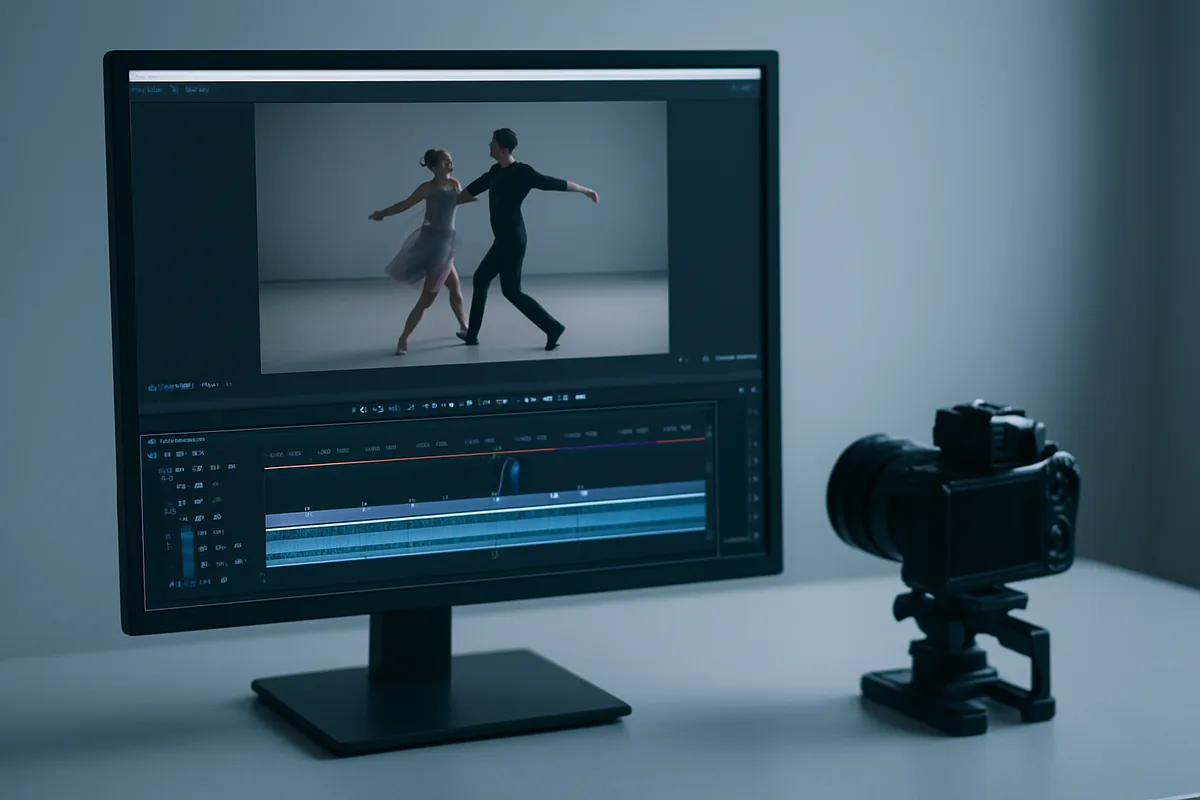
Kling 4.0 improves body mechanics and movement in the scenes where earlier models tended to break: fast action, sport and moments where two or more characters touch or interact. Limbs, weight shifts and contact points hold together better, so a punch, a tackle or a dance turn reads as one continuous movement rather than a morph.
Camera motion improved alongside character motion. The model handles tracking shots, orbits, push-ins, pull-outs and transitions between scenes more steadily. Keyframes set the key moments of the clip, and the prompt describes the action and the camera movement between them. That split is useful for realism, because you no longer ask a single prompt to invent every beat of a 20-second action sequence.
A practical tip from Higgsfield’s own guidance: describe the scene step by step and keep references clear and consistent. If something looks wrong, change one thing at a time, such as the prompt, one reference or the duration, and compare the results.
What changed from Kling 3.0?
The table below compares the two versions as they are described for Higgsfield users.
| Feature | Kling 3.0 | Kling 4.0 |
|---|---|---|
| Clip length | 3 to 15 seconds | 3 to 30 seconds |
| Keyframes | First and last frame | Up to 10 keyframes across the clip |
| References | Up to 7 | Up to 15 of different types (images, video, voice, Elements) |
| Working with existing video | Video Edit | Creative Recreation plus targeted Video Editing |
| Sound | Built-in sound | Stereo (two channels) |
| Voiceover languages | Chinese, English, Japanese, Korean, Spanish and others | Adds German, French and Hindi |
| Resolution on Higgsfield | 720p, 1080p or 4K | 720p or 1080p |
| Aspect ratios | 16:9, 1:1, 9:16 | Auto, 21:9, 16:9, 9:16, 1:1 |
Text-to-video and image-to-video work the same way in both versions. The most visible difference for filmmakers is the 21:9 format, which gives wide, cinematic framing without cropping in post.
What can you do with references and Video Editing?
The References tab is where Kling 4.0 becomes a production tool rather than a one-shot generator. A single generation can combine:
- up to 10 images for appearance, wardrobe or locations;
- up to 5 videos with a combined length of up to 30 seconds, for movement or camera work;
- one voice reference for how a character should sound;
- up to 7 Elements, saved characters or objects you call with @ in the prompt, of which up to 3 can be video-based.
If a reference shows or voices a real person, use a person whose face or voice you own or have permission to use.
Creative Recreation takes the pacing, composition and movement of an existing clip and uses it as the reference for a new scene. That is useful when you have a shot whose rhythm works and want the same energy with a different character or setting.
Video Editing makes targeted changes to a finished clip. You can upload up to 5 clips (one main clip), each between 3 and 30 seconds and up to 30 seconds in total, and replace a character, a product, the background, the camera angle or the visual style. For ad teams, swapping one product into an approved clip is often faster than generating the whole shot again.
What about sound, languages and on-screen text?
Kling 4.0 generates stereo audio. Voiceover covers Chinese, English, Japanese, Korean, Spanish and Portuguese, and now also German, French and Hindi, with English accents such as American, British and Indian. Text inside the frame, such as signs, titles and labels, can be rendered in the same languages, and the model can also place emoji and logos. Prompts can be up to 8,000 tokens long, which leaves room for detailed shot descriptions.
How much does Kling 4.0 cost on Higgsfield?
Kling 4.0 uses credits for every generation. The exact cost depends on your settings, such as duration and resolution, and Higgsfield shows it on the Generate button before you start. Kling 4.0 is not included in Unlimited and does not have free generations.
Two details help with budgeting. First, if a generation fails, Higgsfield returns the credits automatically. Second, longer clips mean fewer retakes per finished scene only if your prompt and references are clear, so plan a few short test generations before committing to a 30-second render. You can see the plans on the Higgsfield pricing page.
What questions remain about Kling 4.0?
A few points are still open. 10-bit HDR is listed as coming soon, not available yet. Resolution on Higgsfield tops out at 1080p for Kling 4.0, so teams who need 4K masters will still upscale or use Kling 3.0 for those shots. Results also vary with prompt quality and reference choice, as with any video model, so the “most realistic” label depends on the scene: Kling 4.0’s improvements are clearest in action and character interaction.
Should creators use Kling 4.0?
Use Kling 4.0 when the shot depends on believable human movement, interaction between characters or long, directed camera moves. Its 30-second clips, keyframes and reference mix suit action scenes, music videos, sports content and ads where a product has to stay consistent across variations.
Stay with Kling 3.0 for a given shot if you need a 4K output on Higgsfield or if the shot is short and simple. A quick way to decide is to run the same short prompt on both and compare the motion. You can start from the Higgsfield AI video generator and pick Kling 4.0 in the model menu.
FAQ
When did Kling 4.0 launch on Higgsfield?
Kling 4.0 became available on Higgsfield on October 21, 2026. It is under Video, Create Video, then Model.
How long can Kling 4.0 videos be?
Kling 4.0 generates clips from 3 to 30 seconds, double the 15-second maximum of Kling 3.0.
Is Kling 4.0 included in Higgsfield Unlimited?
No. Kling 4.0 is not included in Unlimited and has no free generations, so each generation uses credits. The exact cost appears on the Generate button.
Does Kling 4.0 support 4K on Higgsfield?
No. On Higgsfield, Kling 4.0 renders at 720p or 1080p. 10-bit HDR is listed as coming soon.
Can Kling 4.0 edit an existing video?
Yes. Video Editing can replace a character, product, background, camera angle or visual style in clips of 3 to 30 seconds, up to 30 seconds in total.