

Quick Answer
Google’s new Selfie Video sign-in lets you record a short video of your face to recover your account if you are locked out. It is optional, deletable, and uses liveness checks to resist spoofing. It is a reasonable backup method for most people — but it is biometric data, so it is worth understanding the trade-offs before enrolling.
Key Takeaways
- Selfie Video is a new account-recovery and sign-in option, not a replacement for your password or passkey
- You record an enrolment video once; later recovery attempts are matched against it using liveness detection
- It is optional, is not available on all accounts or regions yet, and can be deleted at any time
- Letting Google use your video to train its facial recognition is a separate opt-in you can decline or revoke
- The main caution is that biometrics cannot be changed if leaked, and deepfakes are an evolving threat
What is Google’s Selfie Video sign-in?
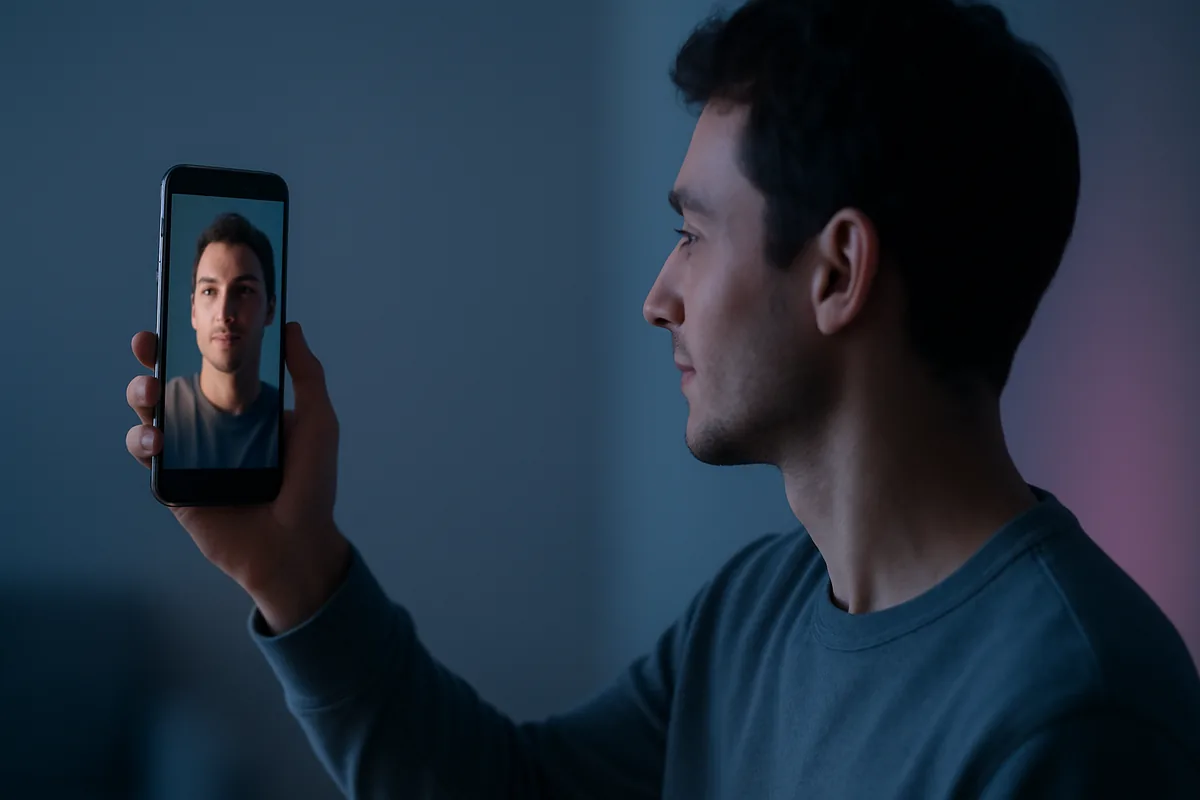
Announced the week of July 23, 2026, Selfie Video is a new way to prove you are the real owner of a Google account. You record a short video of your face during setup, and later — typically when you are locked out and your usual recovery options are unavailable — you record another short video that Google compares against the stored one. If they match closely enough, you get back in, as Android Authority detailed.
It fits into Google’s long push away from passwords, which has moved through hardware security keys and then passkeys over the past several years. The company frames Selfie Video as a safety net rather than a daily login: something for the moment you have lost your phone, forgotten your password, and cannot use your normal trusted device. It also serves a second purpose — confirming an account belongs to a real person rather than a bot set up for spam or abuse.
Importantly, it is optional and is rolling out gradually, so it is not available on every account, region, or device yet. This is an addition to Google’s existing sign-in menu, not a change being forced on anyone.
How does Selfie Video actually work?
The mechanics are straightforward, and understanding them helps you judge the risk. During enrolment you open your Google Account, go to Security & sign-in, choose Selfie Video, and follow guided prompts to record a short clip with some basic movements. Those movements matter: they are a liveness check, designed to confirm a live human is present rather than someone holding up a photo or a screen.
Google does not simply keep a video file sitting in a folder. Systems like this typically store a mathematical representation of your facial features — an embedding — and at verification time they generate a fresh embedding from your new video and check whether the two are similar enough to pass a set threshold. Google says the feature uses liveness detection, facial matching, encryption, and its existing security infrastructure to resist spoofing attempts.
To set it up, you will need a device with a camera, and you record the clip directly during setup. If you later want it gone, you can delete the saved selfie video at any time from the Selfie Video page in your Google Account.
Is Selfie Video sign-in safe?
For its intended job — a backup recovery method with safeguards attached — it is a reasonable option, and the honest verdict is “reasonable, with caveats” rather than either “perfectly safe” or “avoid it.”
The reassuring parts are real. Liveness detection makes a static photo far less likely to work. The data is encrypted and, by Google’s account, tied to its existing account-protection systems. And crucially, it is positioned as one recovery factor rather than your only credential, which is a much safer design than letting a face alone unlock everything.
The caution that deserves equal weight: a face is not a password. If a password leaks, you change it. You cannot change your face. Any system that stores a biometric therefore creates a permanent, sensitive record that has real value to attackers if it is ever exposed, and the history of data breaches — something we cover in our guide to checking whether your email has been breached — is a reminder that “stored securely” is a promise, not a guarantee. This is not unique to Google; it applies to every biometric system, including Face ID and the fingerprint reader on your phone. The difference is that phone biometrics are usually stored only on the device, whereas an account-recovery system has to verify you from anywhere.
What about deepfakes?
This is the concern worth taking seriously, and also the one most easily overstated, so it is worth being precise.
Face-matching systems have to tolerate normal change — you age, your lighting varies, you add glasses or grow a beard — so they cannot demand a perfect match. That built-in tolerance is exactly the gap sophisticated deepfakes aim at. Security researchers have been actively studying whether AI-generated video can fool facial verification, and as Malwarebytes has noted, at least one 2025 study reported that advanced deepfake attacks succeeded against some commercial facial-verification systems more than three-quarters of the time in controlled lab tests.
Two things keep that in perspective. Those results were against particular systems under test conditions, not a demonstrated break of Google’s specific implementation, and liveness detection exists precisely to counter this class of attack. But the trajectory is the point: deepfake quality is improving quickly, and a biometric you enrol today has to stay secure against the tools of five years from now, not just today’s. That is a reasonable thing to factor in, without treating it as an immediate emergency. It is part of the broader shift in AI-enabled threats that runs through much of what we cover in cybersecurity and data privacy.
Will Google use your face to train its AI?
Only if you let it, and this is the setting to pay attention to. Separately from enrolling, Google asks whether you will allow it to use your video and related data to improve its facial recognition, age estimation, and other identity-verification technology. That permission is optional, and you can enable or revoke it at any time from the same Selfie Video page.
Our recommendation is simple: if you choose to use Selfie Video at all, you can decline the training permission and still get the recovery benefit. There is no reason to contribute your biometric data to model training unless you specifically want to. This sits alongside Google’s wider rollout of AI-based age estimation across services like Search, YouTube, and the Play Store — a broad move to infer or verify identity and age that is worth watching, and one reason to be deliberate about what you opt into. If managing these settings across services feels overwhelming, our overview of data privacy management tools is a useful starting point.
Should you turn it on?
It depends on which problem you are more worried about: losing access to your account, or creating another store of biometric data.
Consider enabling it if you have previously been locked out of an account, if you do not have other strong recovery options set up, or if you are the kind of person who loses phones. For those situations, Selfie Video genuinely reduces the risk of losing an account permanently, which is a common and painful outcome.
Consider skipping it if you already have solid recovery options — a passkey, a backup phone, recovery codes, an authenticator app — because in that case you are adding biometric exposure without solving a problem you actually have. The strongest position for most people is to secure the account well by other means first, treat Selfie Video as one option among several rather than a default, and if you do enrol, decline the AI-training permission. For the underlying habits that matter more than any single feature, our guide to cybersecurity and data privacy covers the essentials.
FAQ
What is Google’s Selfie Video sign-in?
It is a new, optional way to verify your identity and recover a Google account using a short video of your face. You record an enrolment video once, and later record another during account recovery, which Google matches against the stored version using liveness detection. It is intended as a backup for when you are locked out, not as a replacement for your password or passkey.
Is Google Selfie Video safe to use?
It is a reasonable backup method with meaningful safeguards, including liveness checks and encryption, and it is positioned as one recovery factor rather than your only credential. The main caution is that biometric data cannot be changed if it is ever exposed, unlike a password, so it is worth using only if it solves a real recovery gap for you.
Can Google use my selfie video to train its AI?
Only if you allow it. Google asks separately whether you will let it use your video to improve facial recognition, age estimation, and related technology. This permission is optional and can be revoked at any time from the Selfie Video page in your Google Account. You can decline it and still use the recovery feature.
Can deepfakes beat facial verification?
It is an active area of research. Because face-matching must tolerate normal changes in appearance, sophisticated deepfakes target that flexibility, and at least one 2025 study reported high success rates against some commercial systems in controlled tests. That was not a demonstrated break of Google’s system, and liveness detection is designed to counter it, but the improving quality of deepfakes is a reasonable long-term concern.
How do I delete my Google selfie video?
Open your Google Account, go to Security & sign-in, and open the Selfie Video page, where you can delete the stored video at any time. Deleting it removes that recovery option, so make sure you have another way to recover your account, such as a passkey, backup phone, or recovery codes, before you do.